
PRO & BILLING
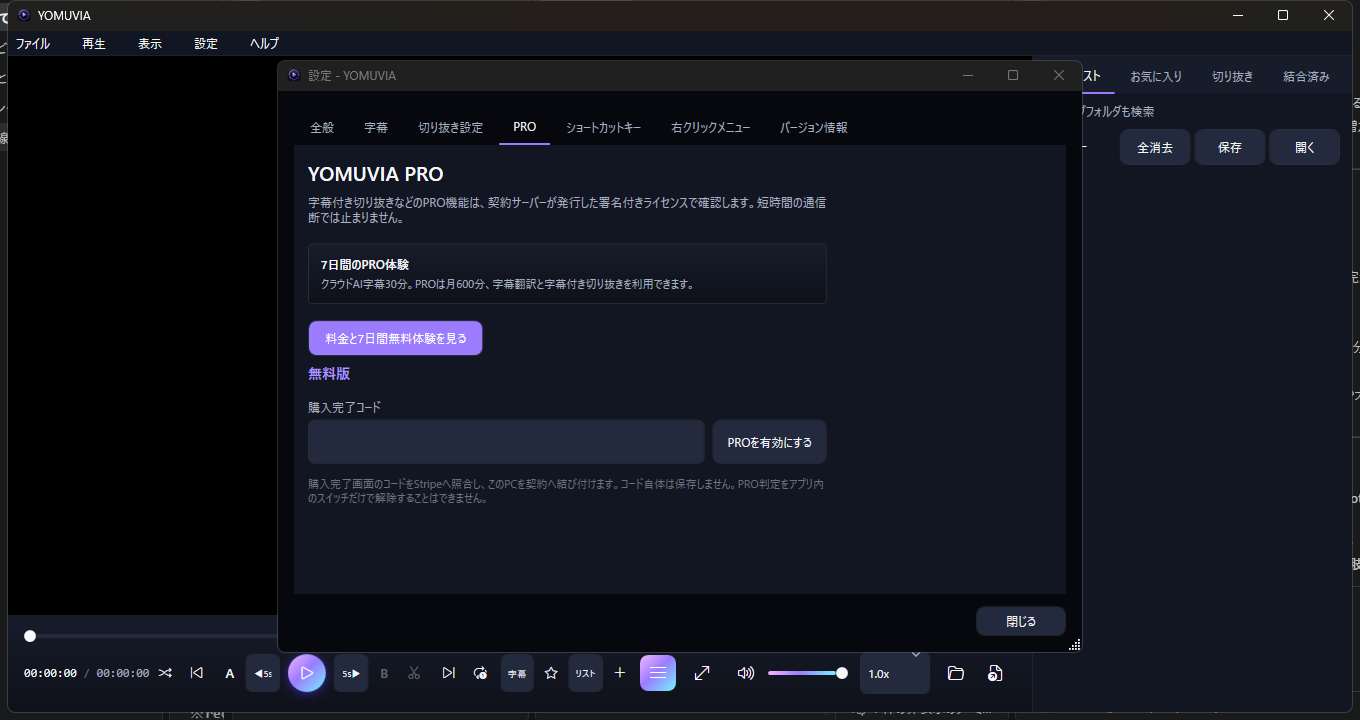
Activate or cancel
from YOMUVIA settings.
Paste the code shown after checkout. Cancel before the seven-day trial ends to avoid a charge.
Activate Pro
- Copy the activation code from the purchase-complete page.
- Open Settings, then select the PRO tab.
- Paste the code and select "PROを有効にする".
Manage or cancel
- Open Settings and select PRO.
- Select "契約を管理・解約".
- Confirm cancellation in Stripe's billing portal.
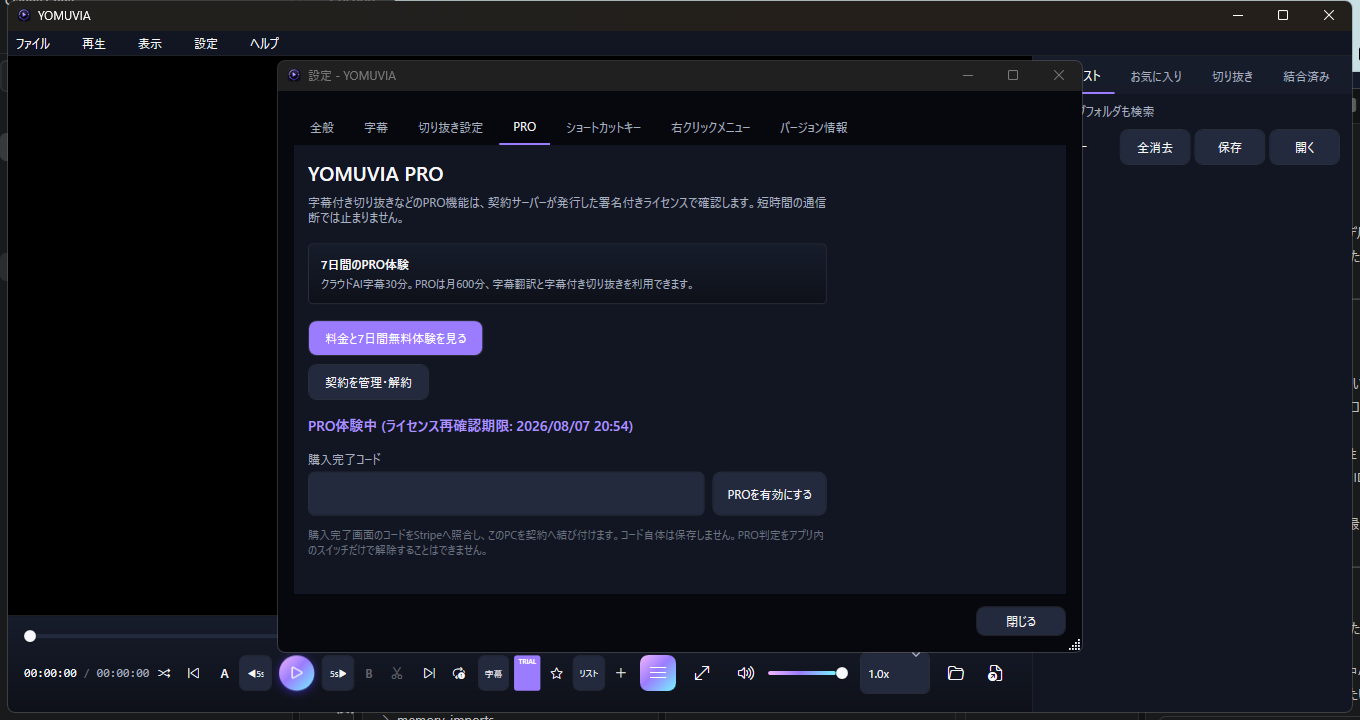
Seven-day free trialCancel before the trial ends and no subscription fee is charged.
If the button is unavailable, activate Pro on this PC first. For account recovery, contact support from your purchase email address.